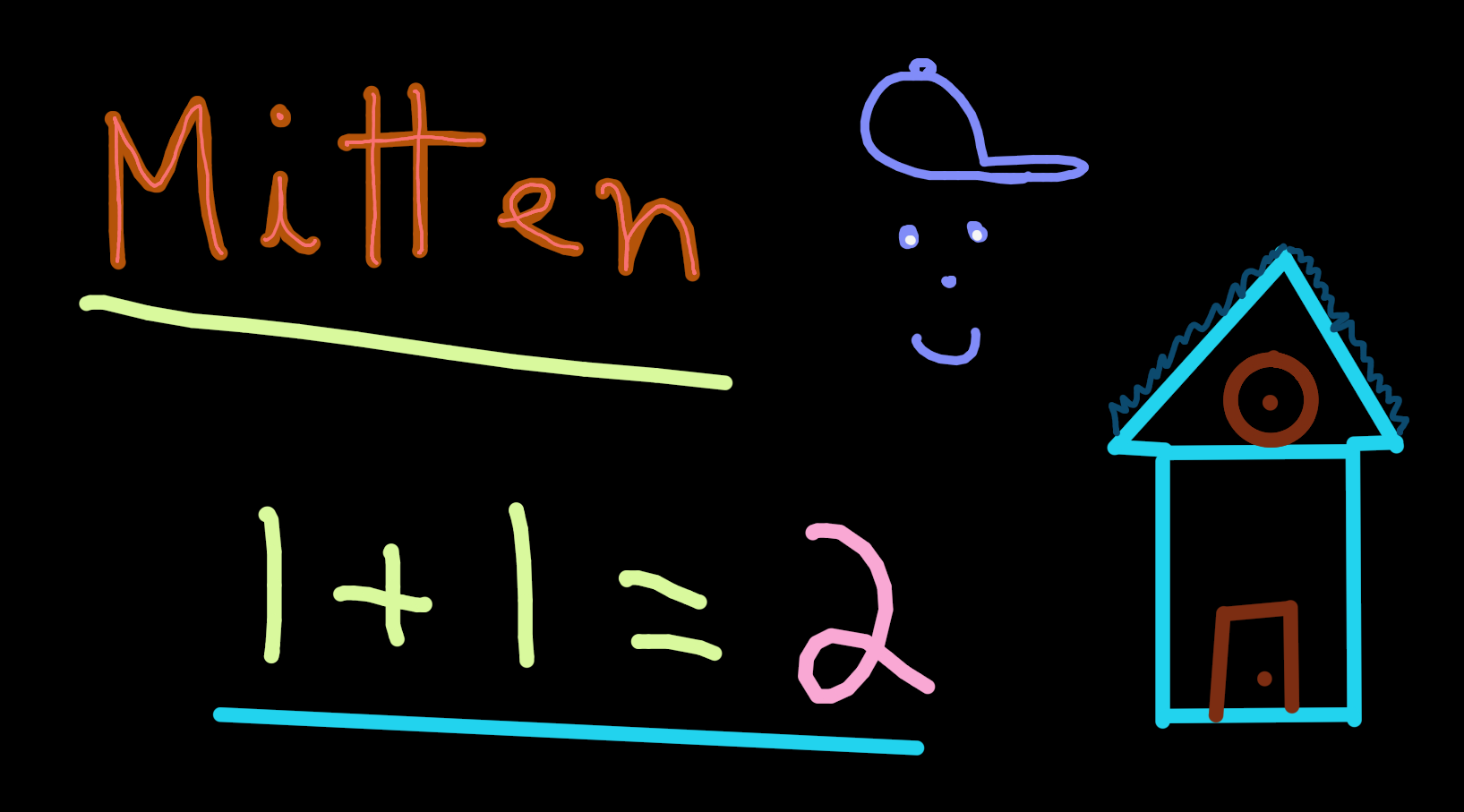
Mitten
Mitten
Infinite canvas drawing application.
Controls
Draw
- Left click to draw.
- Shift + Left click to draw lines.
- Control + Shift + Left click to change the brush size. Drag left to shrink the size and right to increase it.
- R to unlink the pen and eraser sizes so each tool remembers its own. Press R again to relink them; the current tool's size wins. While unlinked, the eraser cursor shows a second inner ring.
- Alt + Hover to select a different color.
- Control + Alt + Hover to select a different background color.
- E to toggle the eraser.
- T to toggle the temporary mode. Strokes aren't saved and erase themselves from their starting point shortly after pen-down, retracing the stroke at the speed it was drawn — the oldest ink disappears first. Useful for pointing at things during a presentation. The delay and decay speed can be tuned in Settings.json.
Camera
- Middle click to drag the camera.
- Scroll wheel to zoom.
- Control + Middle click to zoom. Drag up to zoom in and down to zoom out.
- Dot and Comma to rotate.
- Hold Space use the hyper zoom. Release to go back to the previous position.
- Save the current camera position with Control + 1, Control + 2, all the way to Control + 9.
- Load a saved camera position by pressing 1, 2, ... 9.
- Slot 0 is reserved for toggling back and forth between the current and previous position. You can also toggle using your mouse's extra buttons if you have them.
Misc
- Control + Z to undo.
- Control + Shift + Z to redo.
- Control + Backspace to undo everything.
- Control + Shift + Backspace to redo everything.
- F11 for the borderless fullscreen mode.
- Alt + Enter for the fullscreen mode.
- M to show or hide the mouse cursor.
- B to box select and edit strokes.
Saved files
Saved next to the application's executable.
- Drawing.json - Your whole canvas is saved there including undo redo and camera position.
- Settings.json - Window settings are saved here. Includes if the app should start in fullscreen, vsync and fixed timestep.
Source code: https://github.com/Apostolique/Mitten

Download
Click download now to get access to the following files:
Development log
- Tablet support added for WindowsFeb 22, 2024